★Verified Practice
nEVEn + WDEArchitectural efficiency tools built by a former team member
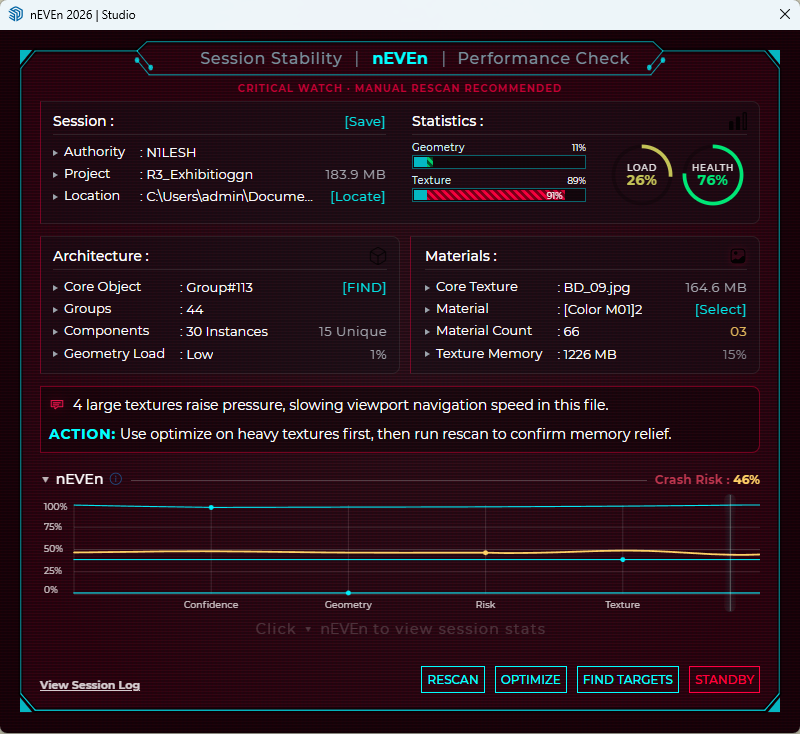
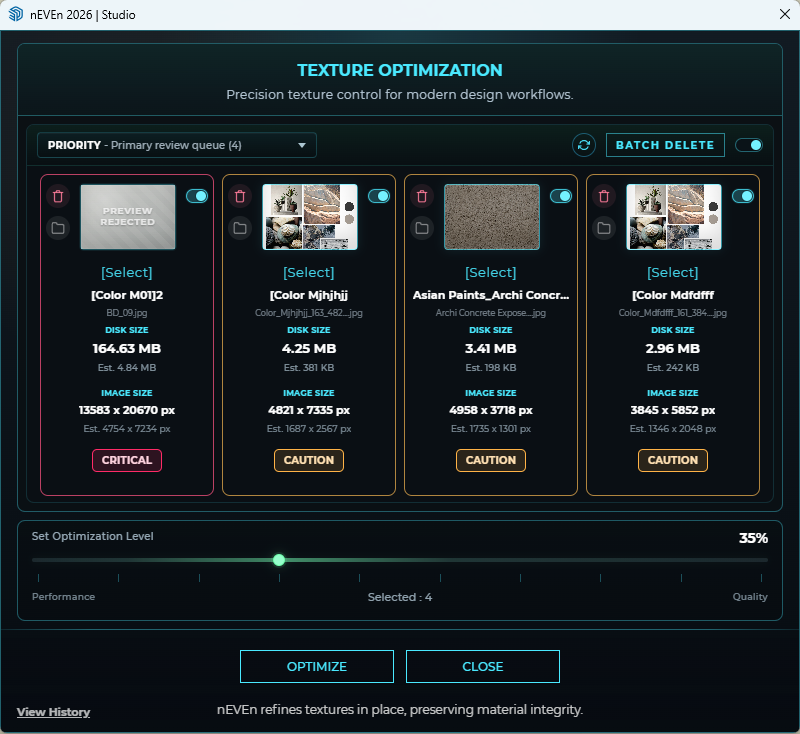
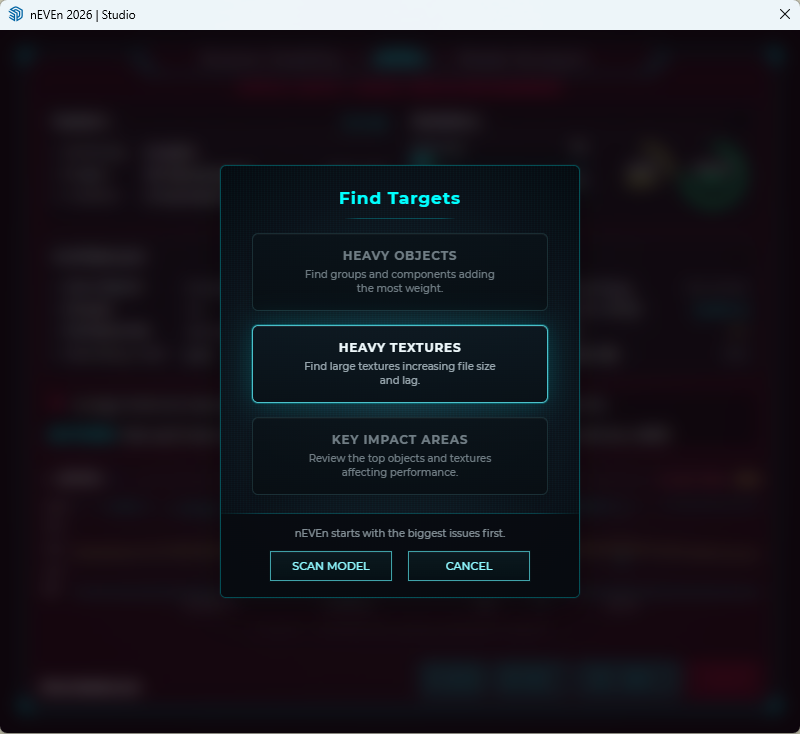
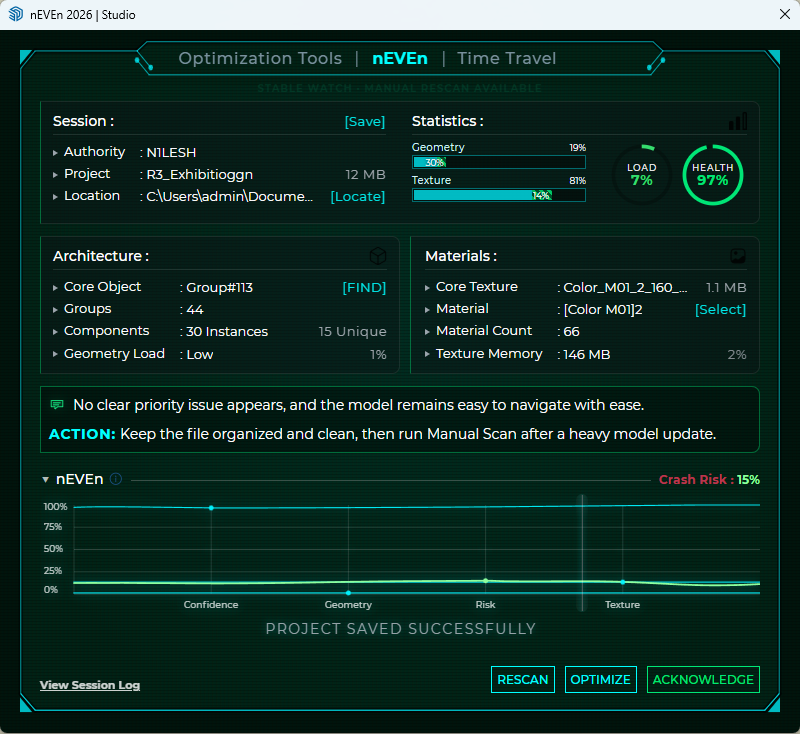
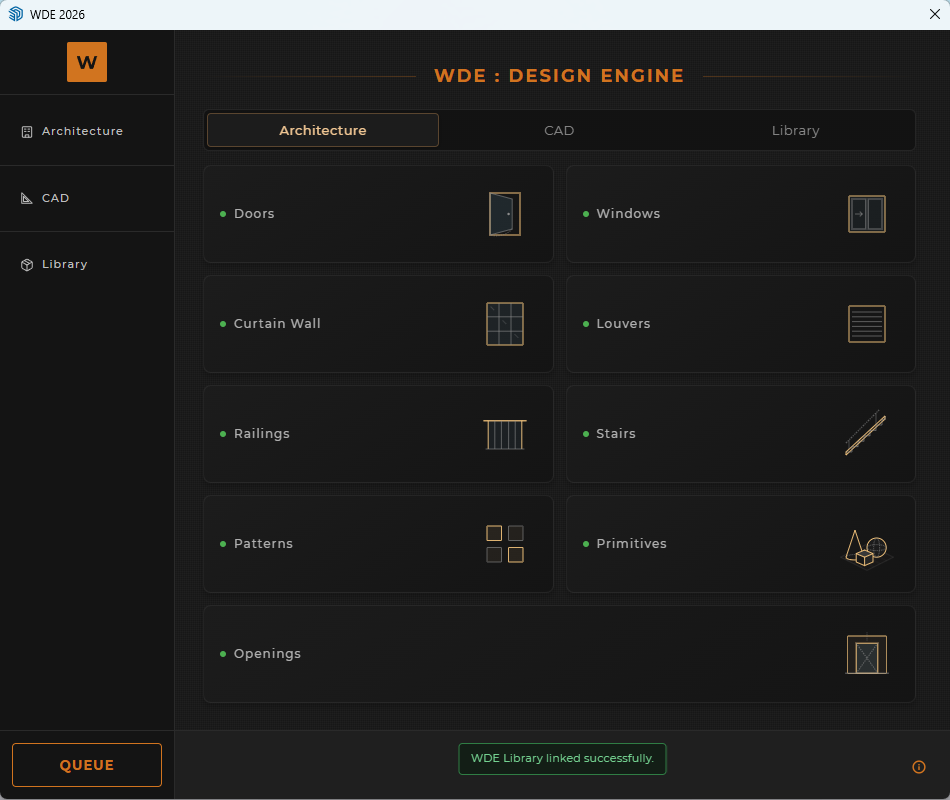
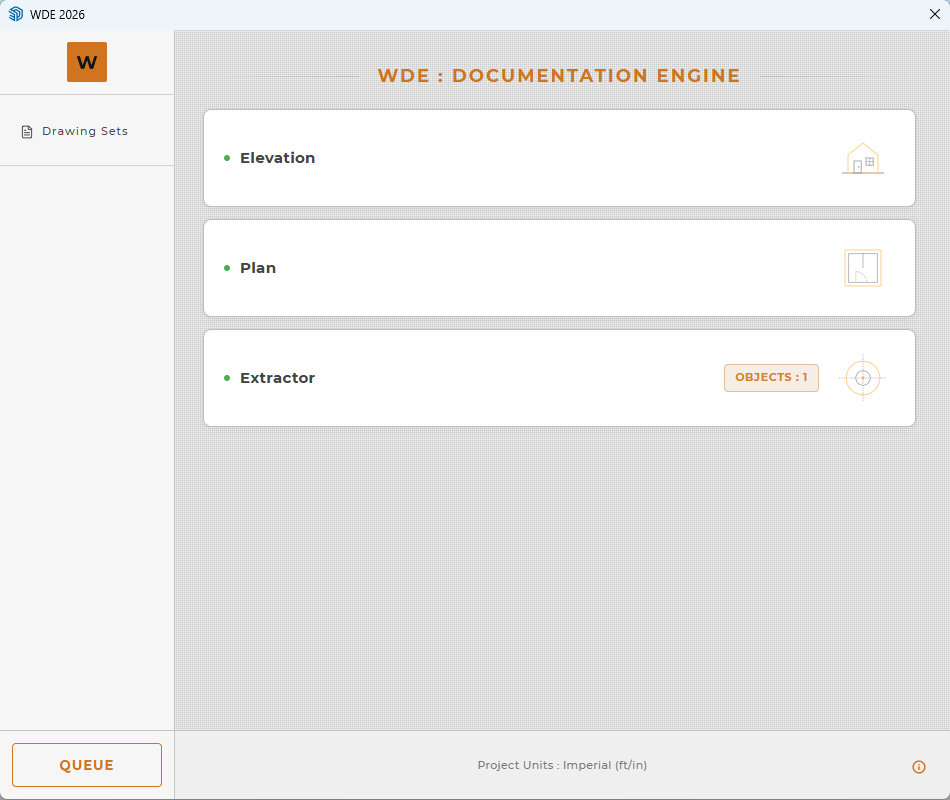
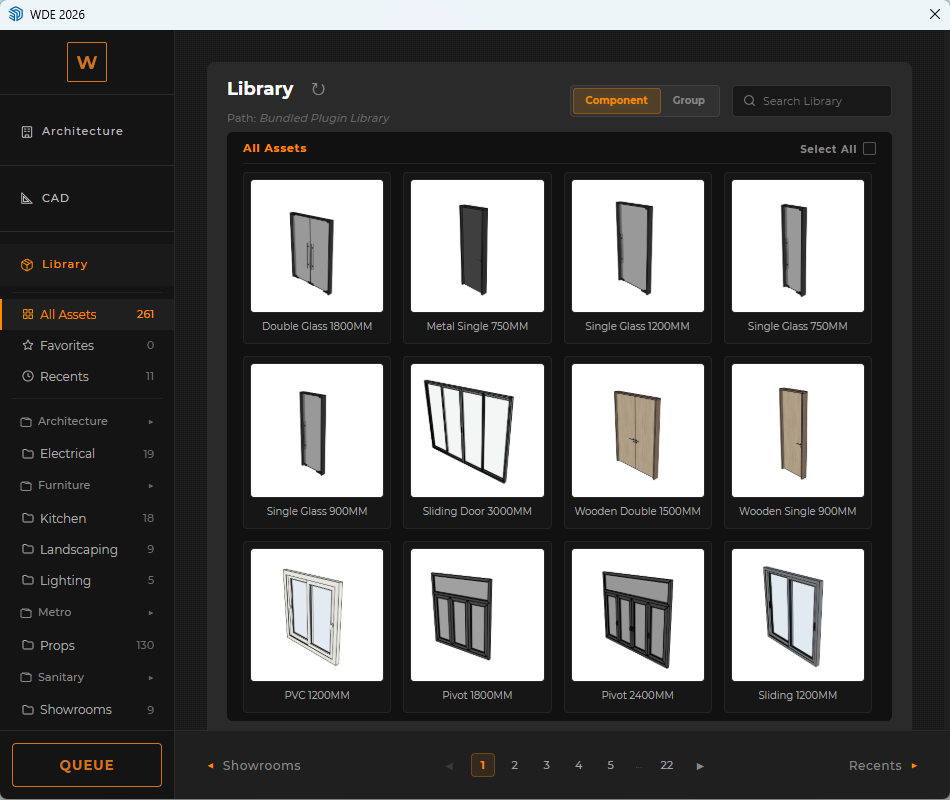
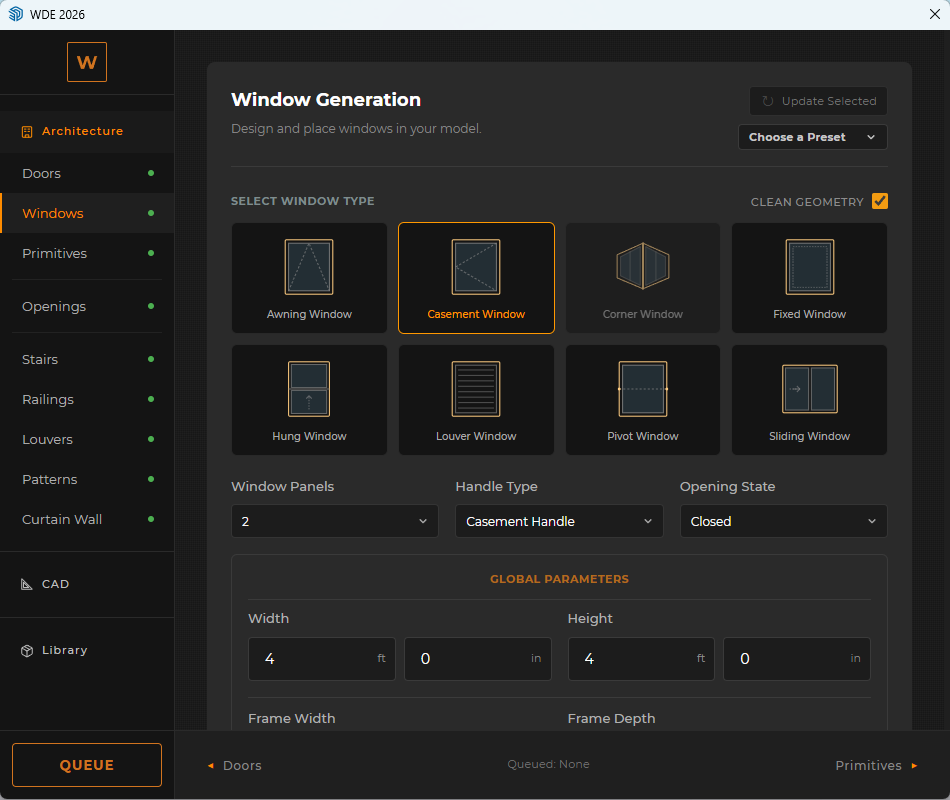
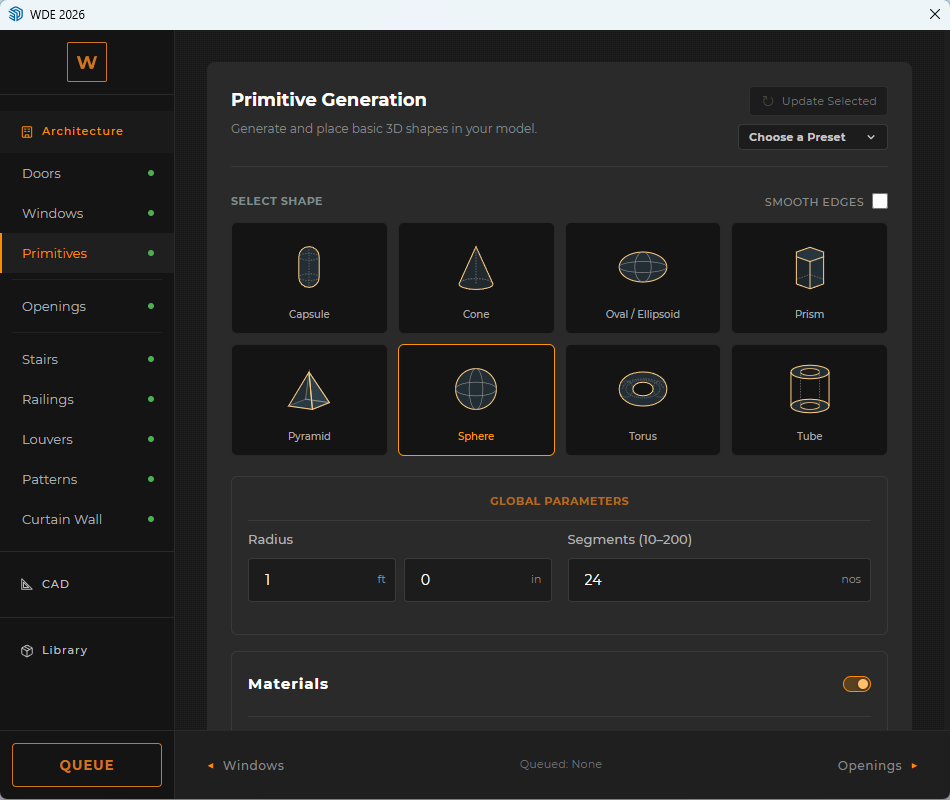
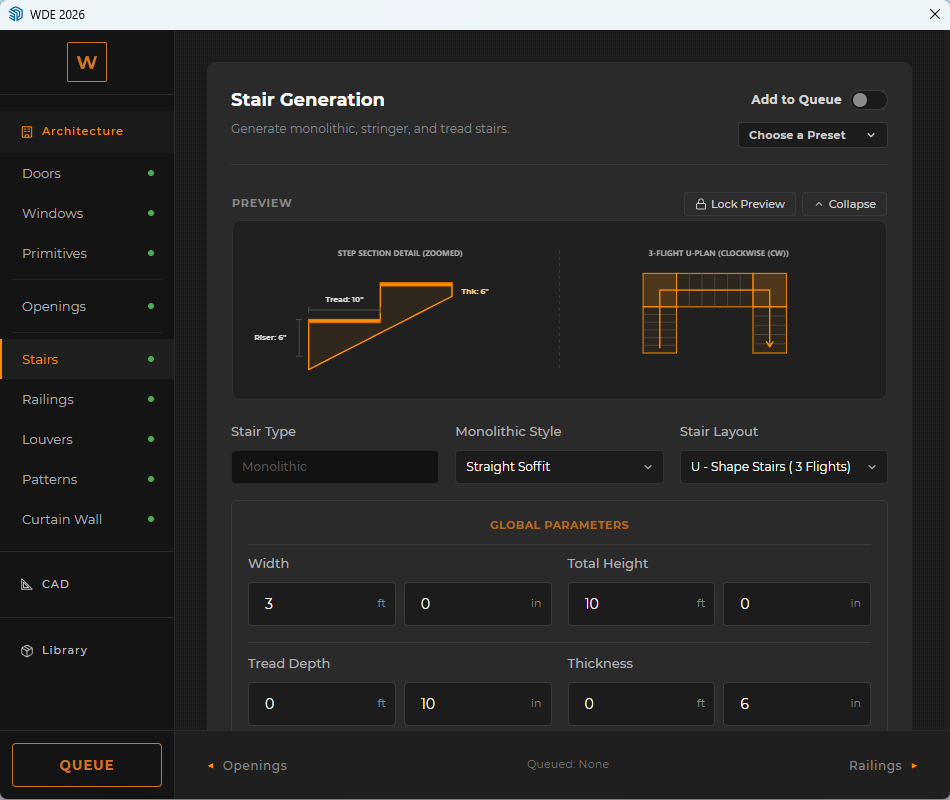
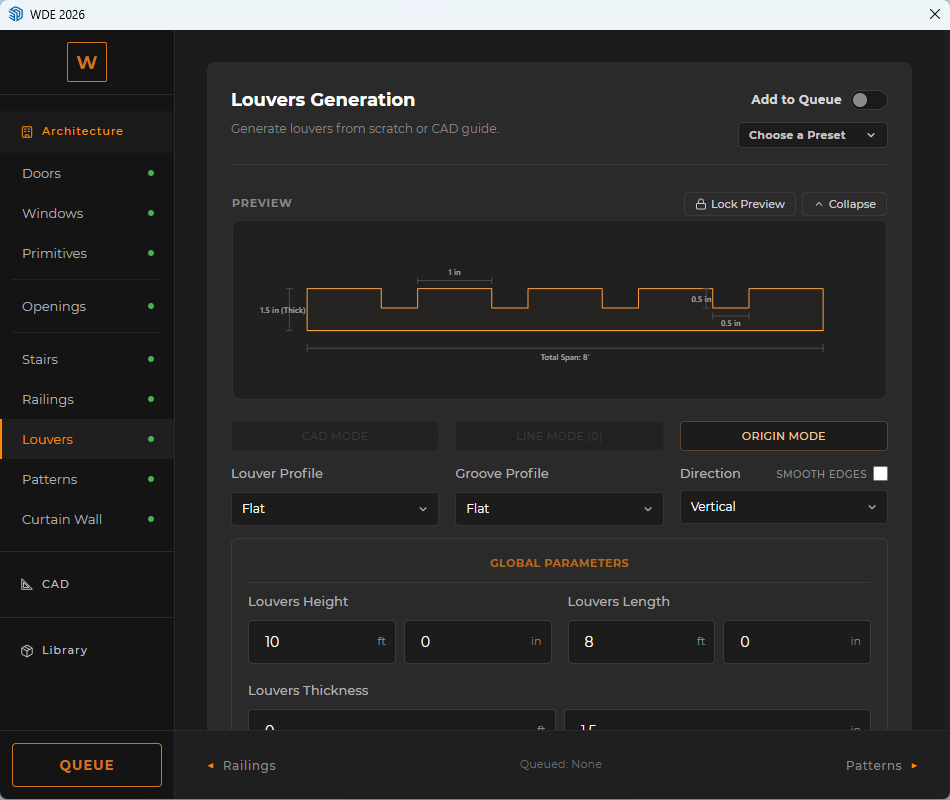
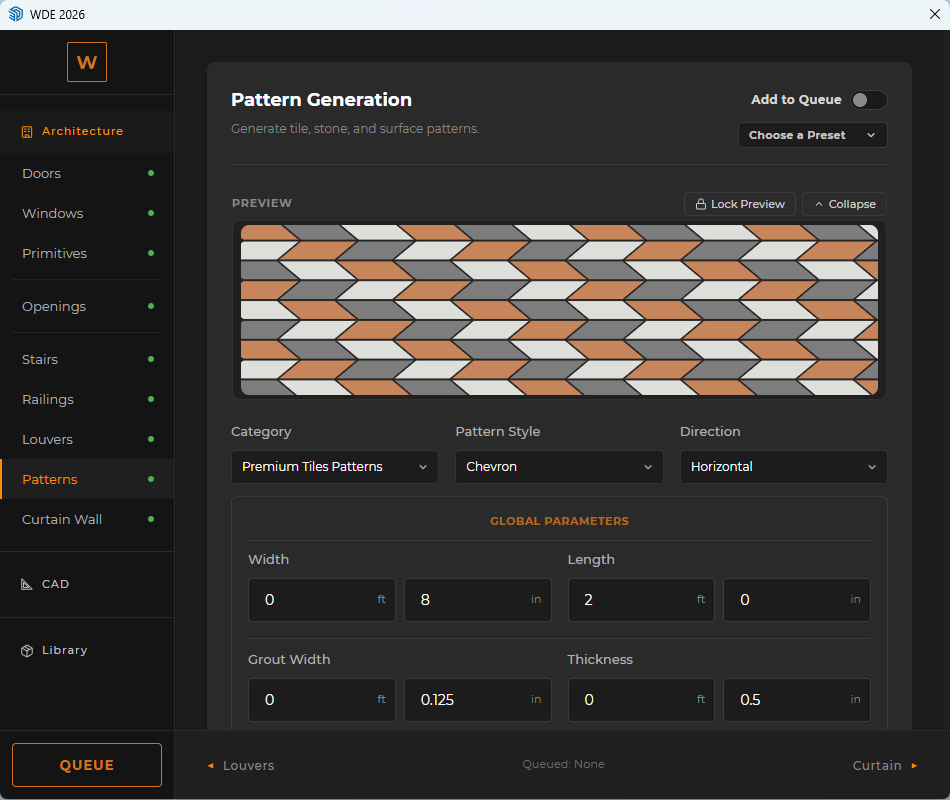
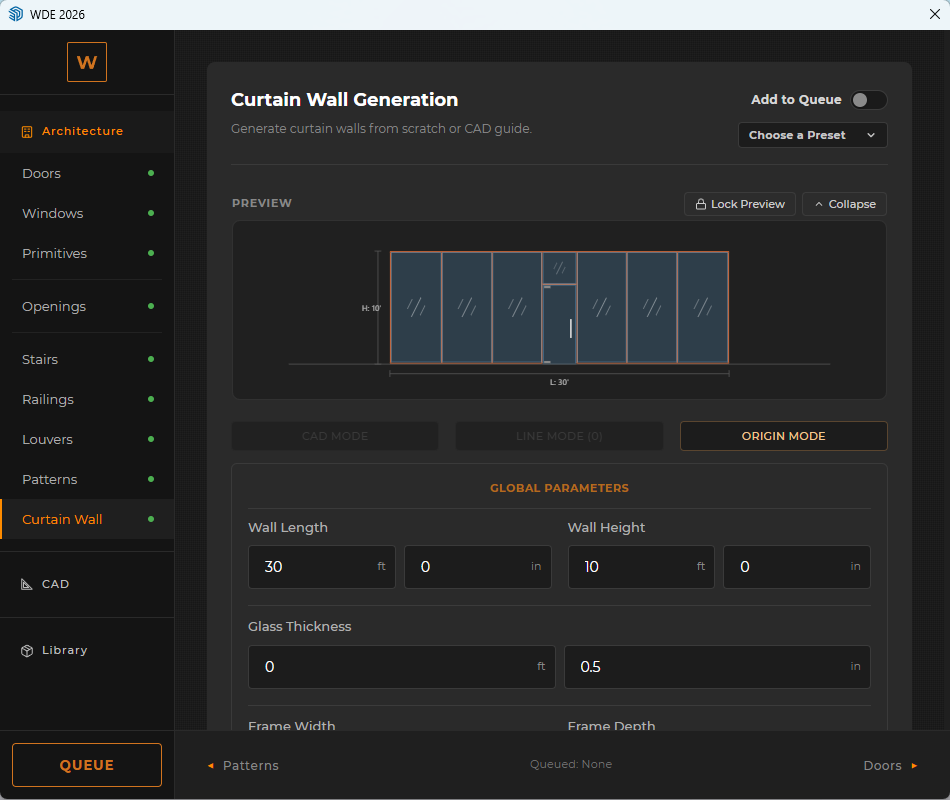
Having worked with Nilesh in our office, I knew his tools would be highly practical. WDE generates showroom and exhibition structures in seconds directly from CAD, while its Patterns and Louvers modules drastically speed up our specialized tile showroom mockups. Meanwhile, nEVEn catches heavy branding images and high-poly assets to ensure zero model crashes, and we look forward to implementing the upcoming nEVEn studio module to systematically track our design and drafting hours.
Rescued a 566MB 'empty' model that standard purgers couldn't fix
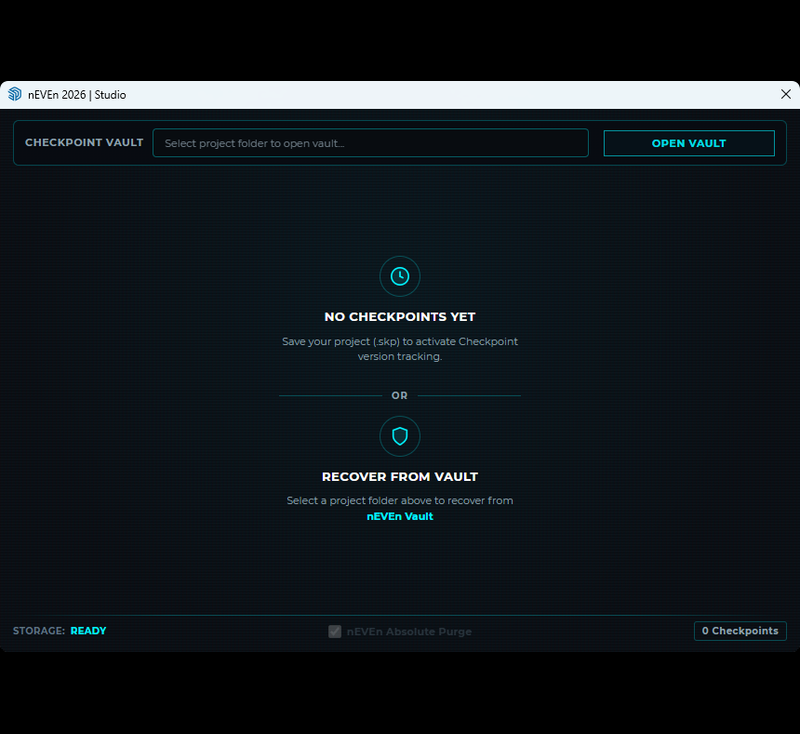
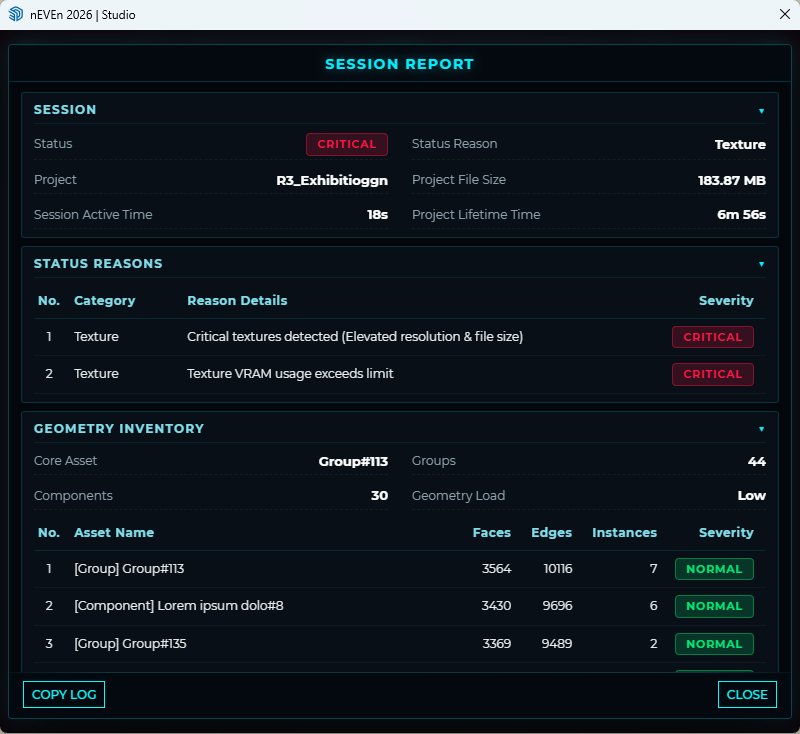
When a forum member's empty model remained bloated at 566MB even after deleting all geometry and running standard purgers, nEVEn's database scanner pinpointed 734MB of invisible third-party extension metadata embedded deep in the file. With a single click, it purged the corrupt data and restored the model back down to a clean 0.1MB, saving hours of manual Ruby console debugging.
★Verified Practice
nEVEn + WDEInstant furniture working drawings and incoming file cleanup
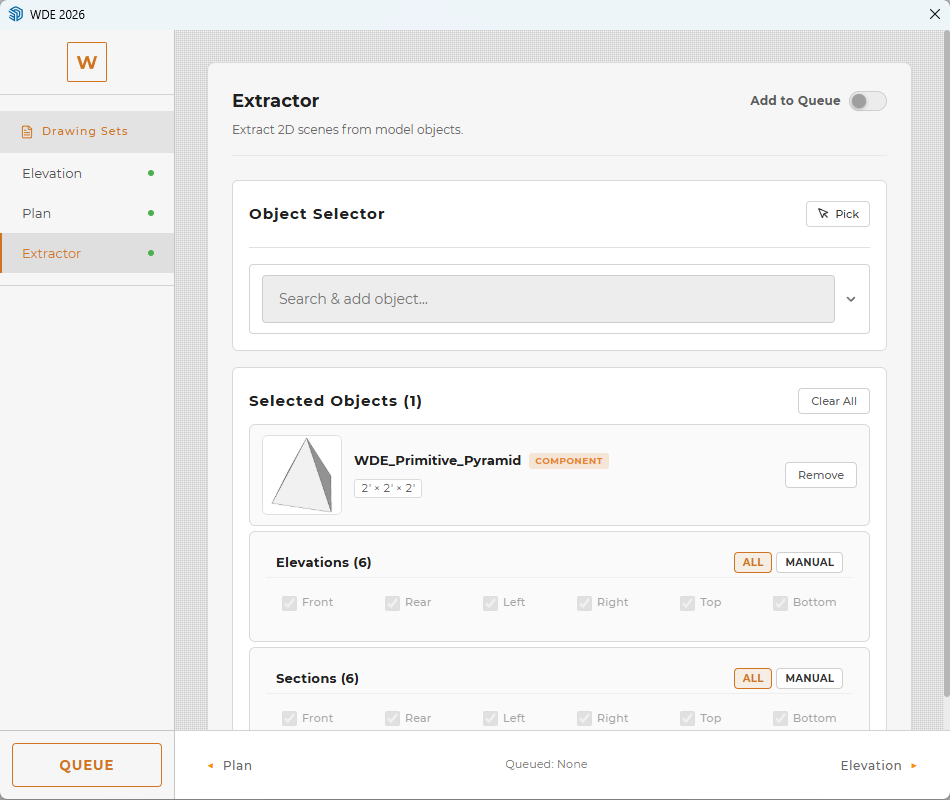
Managing custom furniture production means dealing with heavy, lagging SketchUp files sent from outside architectural offices. nEVEn cleans and optimizes these incoming models right away so we can work smoothly. For factory fabrication, WDE's Object Extractor is a huge time-saver - I select any custom table or desk, and it automatically extracts all orthographic plans, elevations, and sections needed for our workshop drawings.
★Verified Practice
nEVEn + WDEParametric CAD to 3D generation for residential layouts
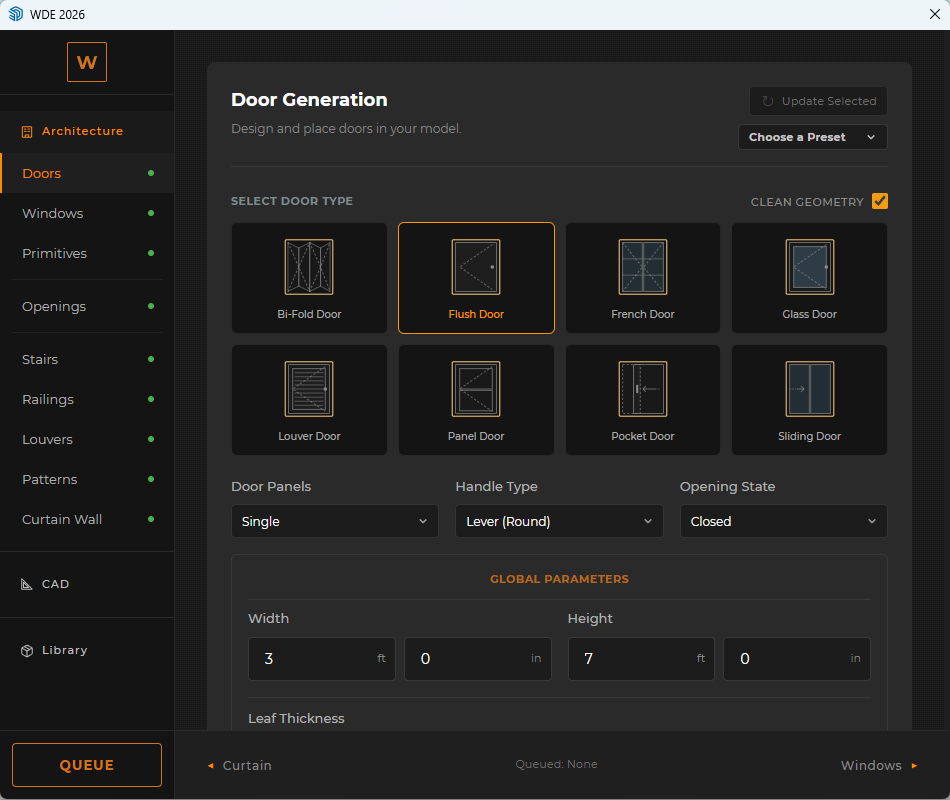
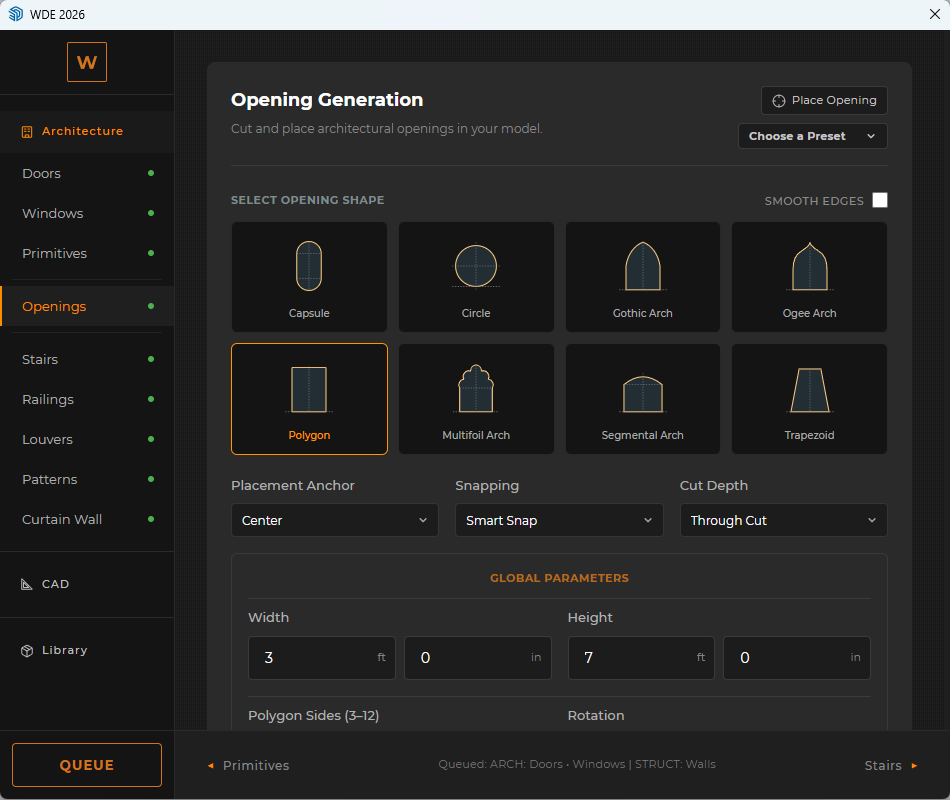
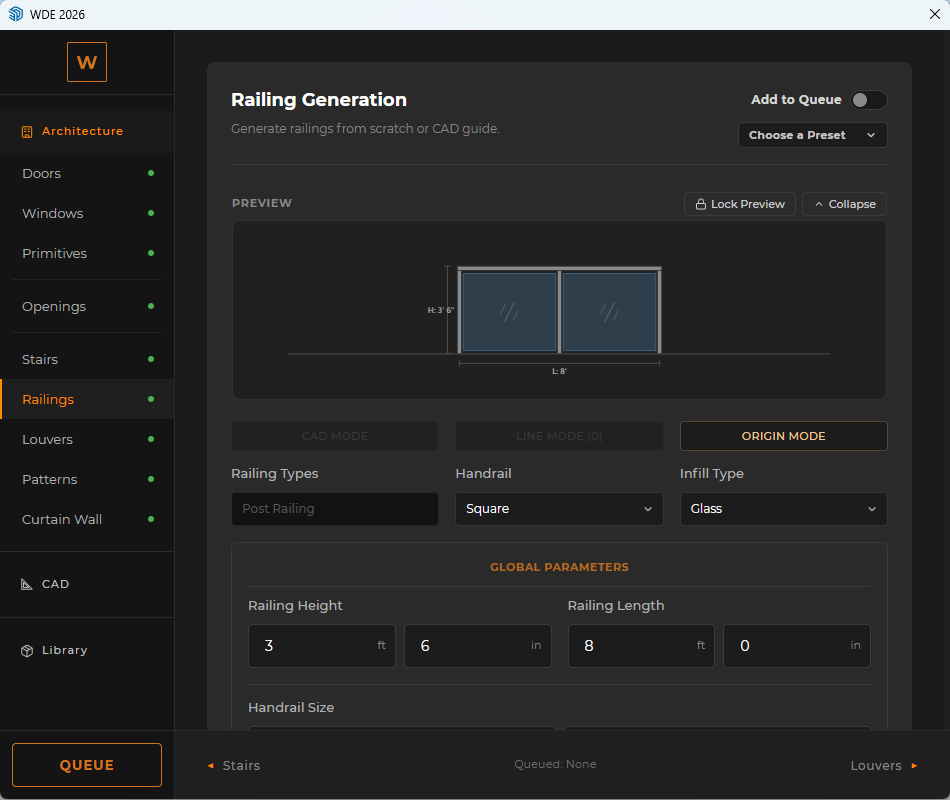
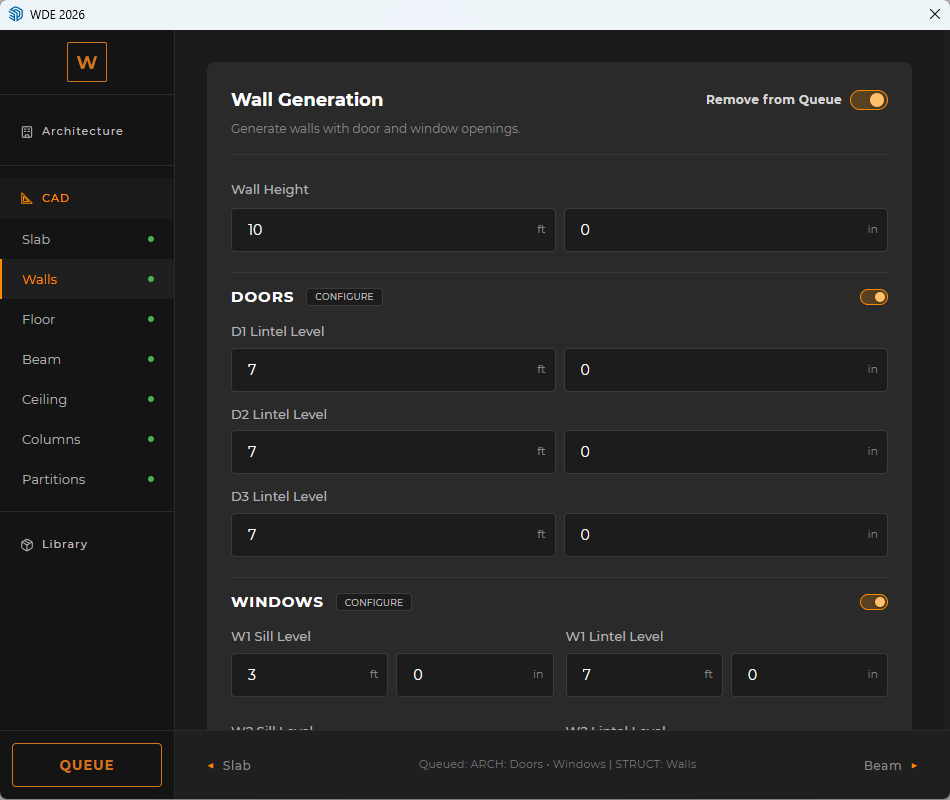
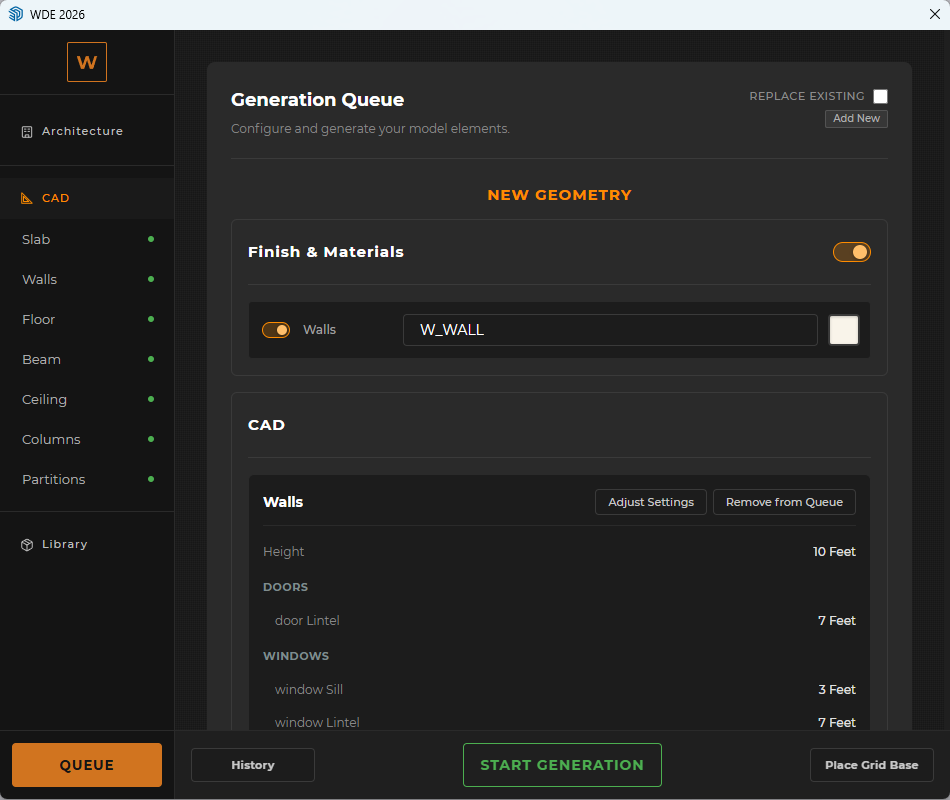
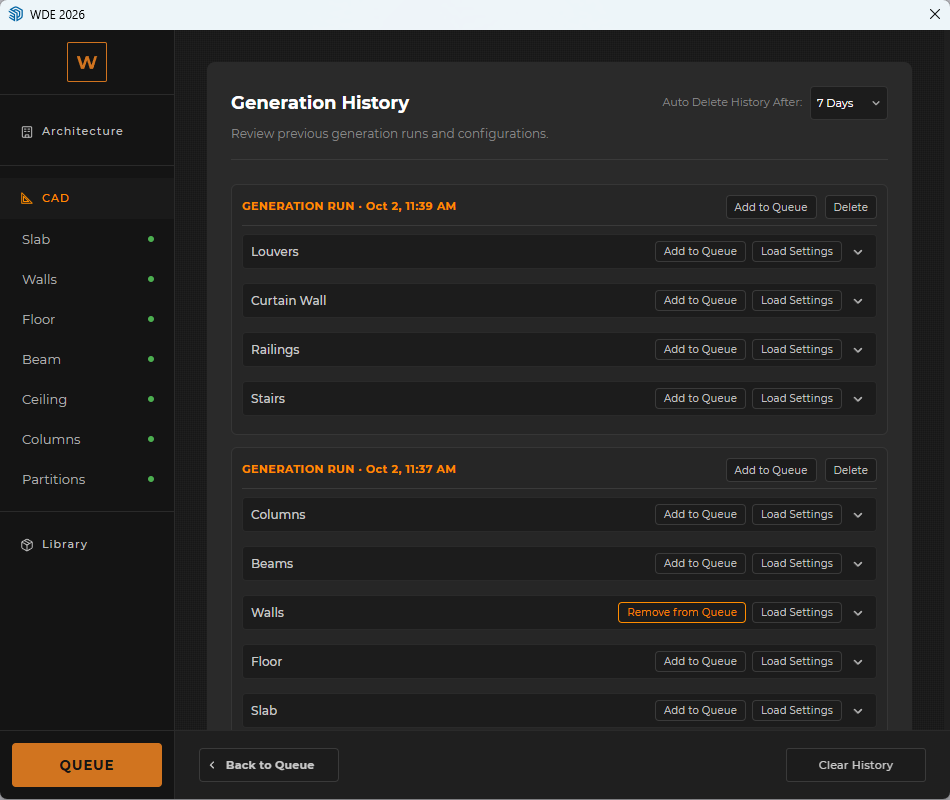
Running an independent practice means handling complex residential layouts on tight schedules. WDE lets me generate 3D walls automatically from CAD linework and place parametric doors and windows in a single pass, while its history system makes handling client revisions very fast. Paired with nEVEn to isolate bloated assets, my models stay light and crash-free during live client walkthroughs.
★Verified Practice
nEVEn + WDEArchitectural software built with deep design intuition
Working under tight studio deadlines requires software built with deep architectural intuition. With N1LESH Tools, you can immediately feel an architect engineered the entire setup. WDE accelerates our structural massing, openings, and facade detailing straight from CAD, while nEVEn ensures our complex villa scenes stay completely free of viewport lag. The focus on clean geometry and dependable stability makes both tools standard across our studio's daily workflow.
★Verified Practice
nEVEn + WDEArchitectural efficiency tools built by a former team member
Having worked with Nilesh in our office, I knew his tools would be highly practical. WDE generates showroom and exhibition structures in seconds directly from CAD, while its Patterns and Louvers modules drastically speed up our specialized tile showroom mockups. Meanwhile, nEVEn catches heavy branding images and high-poly assets to ensure zero model crashes, and we look forward to implementing the upcoming nEVEn studio module to systematically track our design and drafting hours.
Rescued a 566MB 'empty' model that standard purgers couldn't fix
When a forum member's empty model remained bloated at 566MB even after deleting all geometry and running standard purgers, nEVEn's database scanner pinpointed 734MB of invisible third-party extension metadata embedded deep in the file. With a single click, it purged the corrupt data and restored the model back down to a clean 0.1MB, saving hours of manual Ruby console debugging.
★Verified Practice
nEVEn + WDEInstant furniture working drawings and incoming file cleanup
Managing custom furniture production means dealing with heavy, lagging SketchUp files sent from outside architectural offices. nEVEn cleans and optimizes these incoming models right away so we can work smoothly. For factory fabrication, WDE's Object Extractor is a huge time-saver - I select any custom table or desk, and it automatically extracts all orthographic plans, elevations, and sections needed for our workshop drawings.
★Verified Practice
nEVEn + WDEParametric CAD to 3D generation for residential layouts
Running an independent practice means handling complex residential layouts on tight schedules. WDE lets me generate 3D walls automatically from CAD linework and place parametric doors and windows in a single pass, while its history system makes handling client revisions very fast. Paired with nEVEn to isolate bloated assets, my models stay light and crash-free during live client walkthroughs.
★Verified Practice
nEVEn + WDEArchitectural software built with deep design intuition
Working under tight studio deadlines requires software built with deep architectural intuition. With N1LESH Tools, you can immediately feel an architect engineered the entire setup. WDE accelerates our structural massing, openings, and facade detailing straight from CAD, while nEVEn ensures our complex villa scenes stay completely free of viewport lag. The focus on clean geometry and dependable stability makes both tools standard across our studio's daily workflow.
★Verified Practice
nEVEn + WDEArchitectural efficiency tools built by a former team member
Having worked with Nilesh in our office, I knew his tools would be highly practical. WDE generates showroom and exhibition structures in seconds directly from CAD, while its Patterns and Louvers modules drastically speed up our specialized tile showroom mockups. Meanwhile, nEVEn catches heavy branding images and high-poly assets to ensure zero model crashes, and we look forward to implementing the upcoming nEVEn studio module to systematically track our design and drafting hours.
Rescued a 566MB 'empty' model that standard purgers couldn't fix
When a forum member's empty model remained bloated at 566MB even after deleting all geometry and running standard purgers, nEVEn's database scanner pinpointed 734MB of invisible third-party extension metadata embedded deep in the file. With a single click, it purged the corrupt data and restored the model back down to a clean 0.1MB, saving hours of manual Ruby console debugging.
★Verified Practice
nEVEn + WDEInstant furniture working drawings and incoming file cleanup
Managing custom furniture production means dealing with heavy, lagging SketchUp files sent from outside architectural offices. nEVEn cleans and optimizes these incoming models right away so we can work smoothly. For factory fabrication, WDE's Object Extractor is a huge time-saver - I select any custom table or desk, and it automatically extracts all orthographic plans, elevations, and sections needed for our workshop drawings.
★Verified Practice
nEVEn + WDEParametric CAD to 3D generation for residential layouts
Running an independent practice means handling complex residential layouts on tight schedules. WDE lets me generate 3D walls automatically from CAD linework and place parametric doors and windows in a single pass, while its history system makes handling client revisions very fast. Paired with nEVEn to isolate bloated assets, my models stay light and crash-free during live client walkthroughs.
★Verified Practice
nEVEn + WDEArchitectural software built with deep design intuition
Working under tight studio deadlines requires software built with deep architectural intuition. With N1LESH Tools, you can immediately feel an architect engineered the entire setup. WDE accelerates our structural massing, openings, and facade detailing straight from CAD, while nEVEn ensures our complex villa scenes stay completely free of viewport lag. The focus on clean geometry and dependable stability makes both tools standard across our studio's daily workflow.